Updating Student Information
Last updated: August 31, 2026
A student's profile in Scout holds the core details your school relies on — name, date of birth, grade level, address, and other identifying information. Any staff member with the right permissions can review and update these details directly from the student's profile.
Overview
The Info tab on a student's profile is where their core record lives. This includes the student's legal name and any preferred name, date of birth, gender, grade level, home address, and identifying numbers your school uses. Keeping this information current helps every other part of Scout — attendance, scheduling, reporting, and communication — stay accurate.
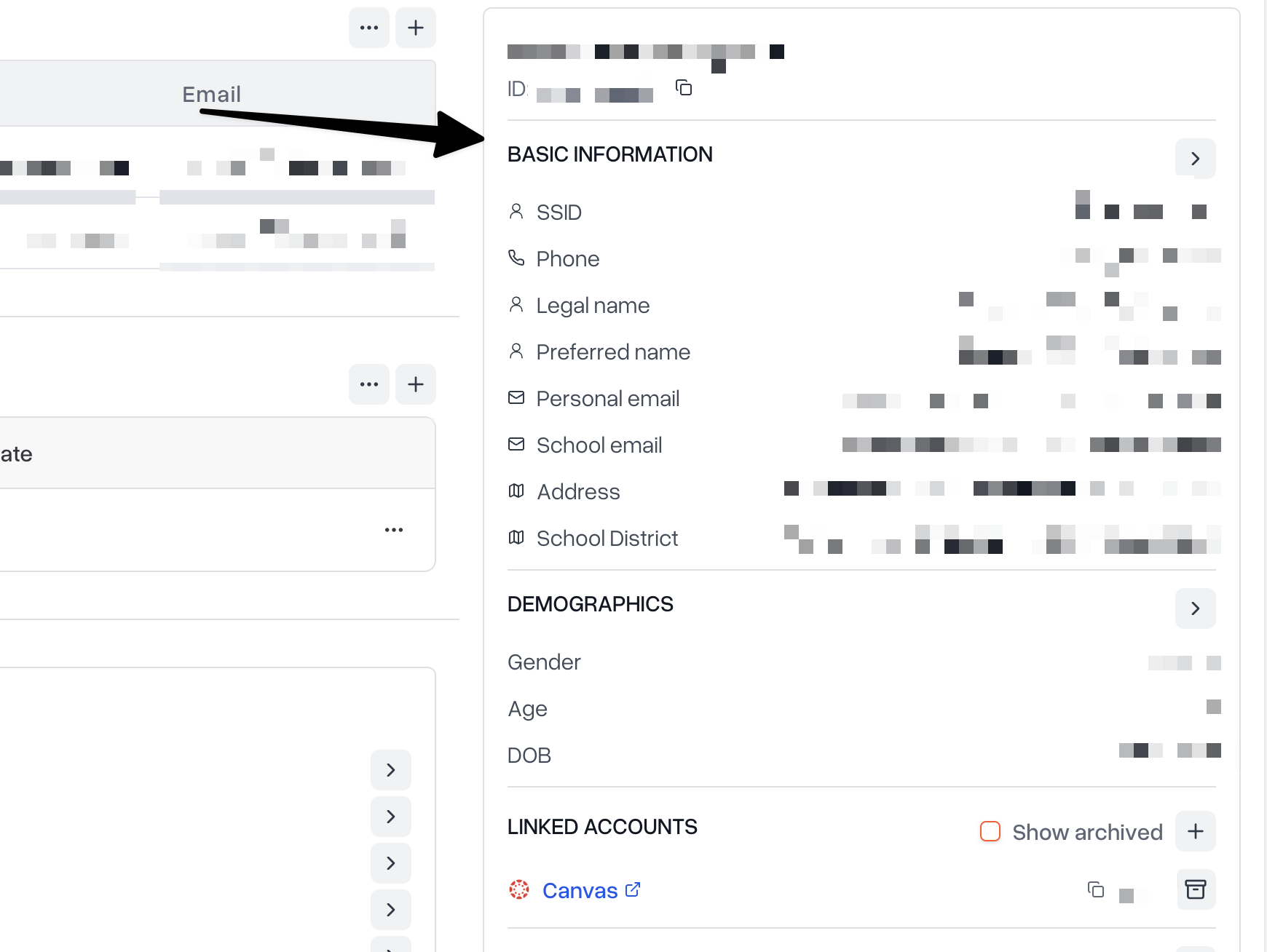
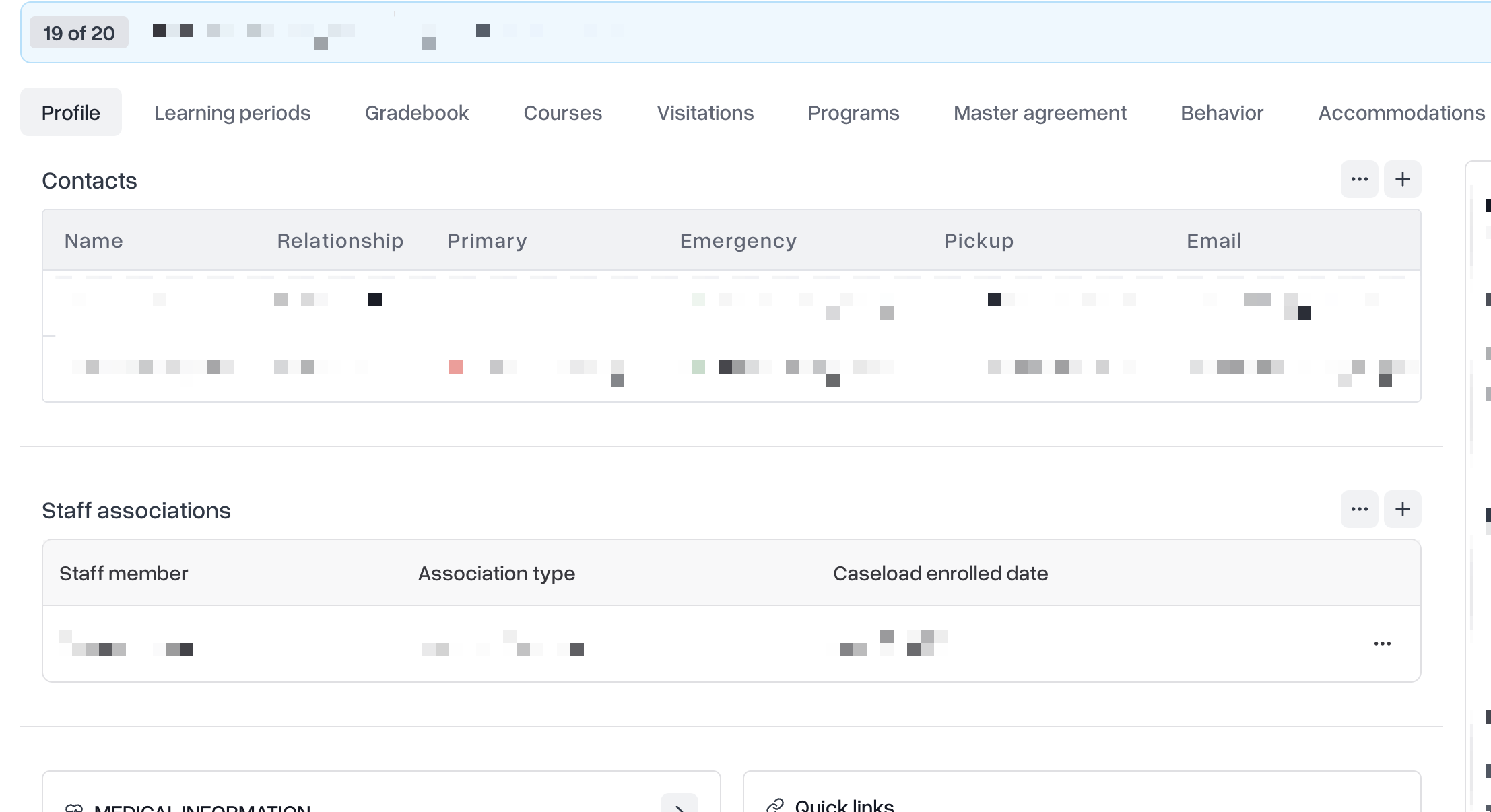
Contact and emergency information for parents, guardians, and other contacts is managed separately on the student's Contacts tab. See Managing Student Contact and Emergency Information for details on adding or updating contacts, pickup authorization, and emergency notifications.
Updating a student's information
Click Students in the sidebar and open the student's profile.
Click the Info tab.
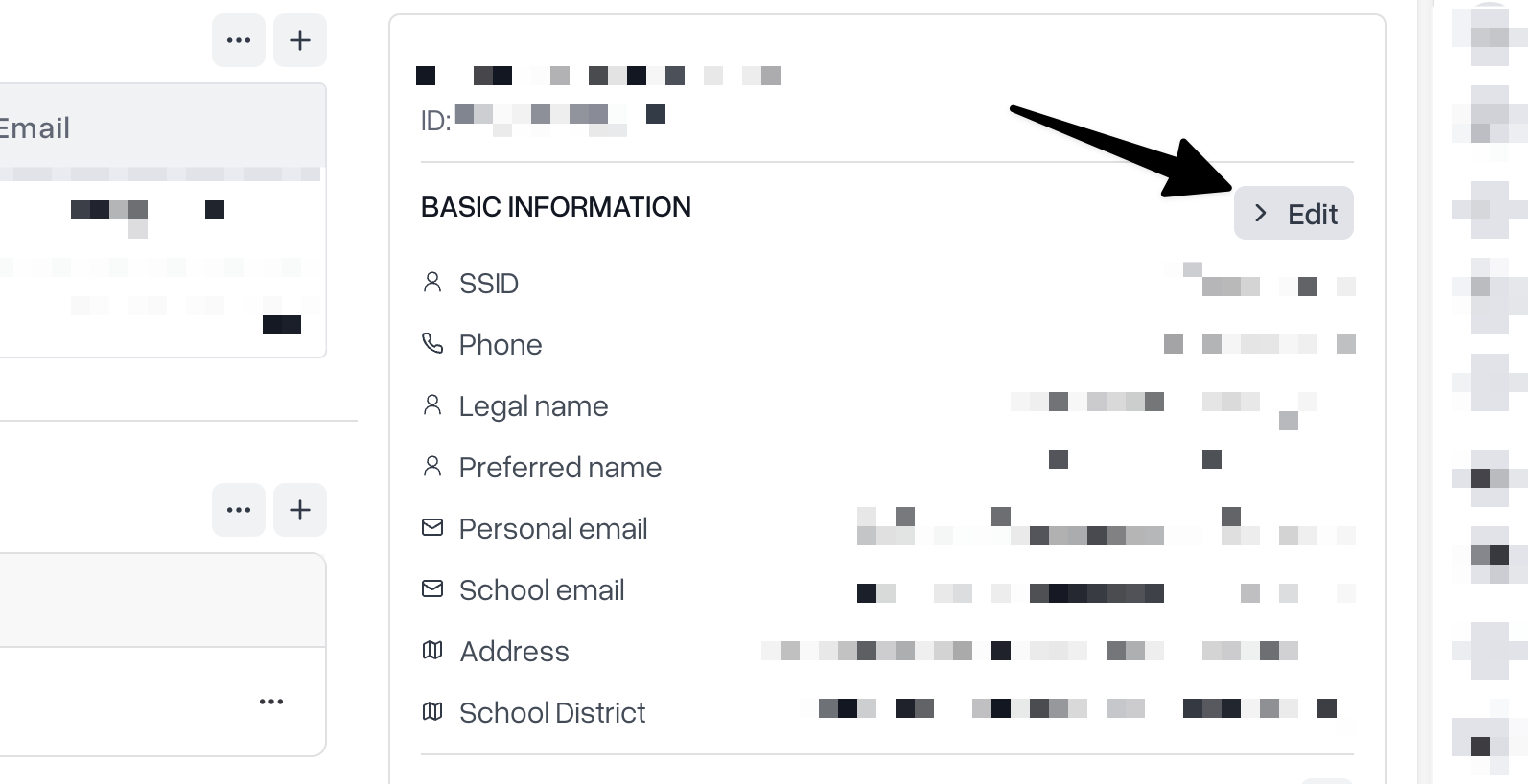
Click Edit.
Update any of the student's details — name, preferred name, date of birth, gender, grade level, address, or identifying numbers.
Click Save.
Your changes take effect immediately and are reflected everywhere the student's information appears, including rosters, schedules, and reports.
Names and identifying numbers
Keep a student's legal name accurate for official records, and use the preferred name field if the student goes by a different name day to day — staff and teachers will see the preferred name throughout Scout while the legal name stays on file for formal documents. Identifying numbers, such as a state or local student ID, should be updated carefully since other records may reference them.
Address
A student's address is used for boundary, transportation, and mailing purposes. Update it as soon as a family reports a move so mailings and reports reflect the current information.
Who can make changes
Only staff with permission to manage student records can edit a student's Info tab. If you don't see an Edit button on a student's profile, contact your school administrator to request access.
Tips
Update information as soon as it changes — accurate records help every other part of Scout, from attendance to reporting, work correctly.
Use the preferred name field — it lets staff and teachers address a student the way they prefer without changing the student's legal name on file.
Double-check grade level after promotion — an outdated grade level can cause a student to be missing from the right courses and reports.
For contact and emergency details, use the Contacts tab — see Managing Student Contact and Emergency Information.