Understanding the Parent Dashboard
Last updated: September 3, 2026
What you see on your Home dashboard when you sign in to Scout as a parent or guardian.
Overview
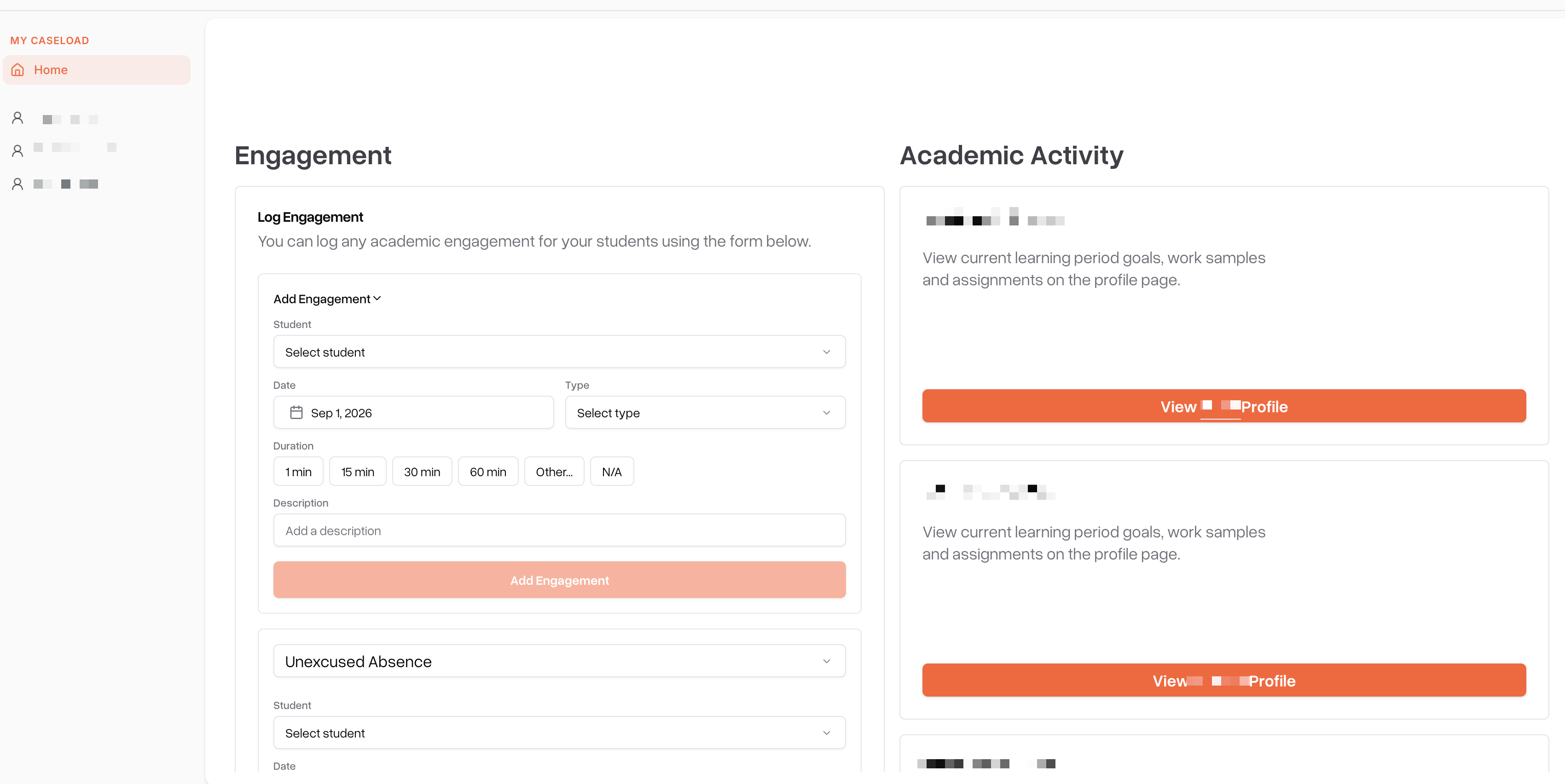
Your Home dashboard is the first thing you see when you sign in to your Scout parent account. It's built around your own student (or students, if you have more than one) and highlights anything that needs your attention — rather than making you search for it. You can always get back to it by selecting Home in the sidebar or navigation menu.
What you'll find on your dashboard
Documents to sign
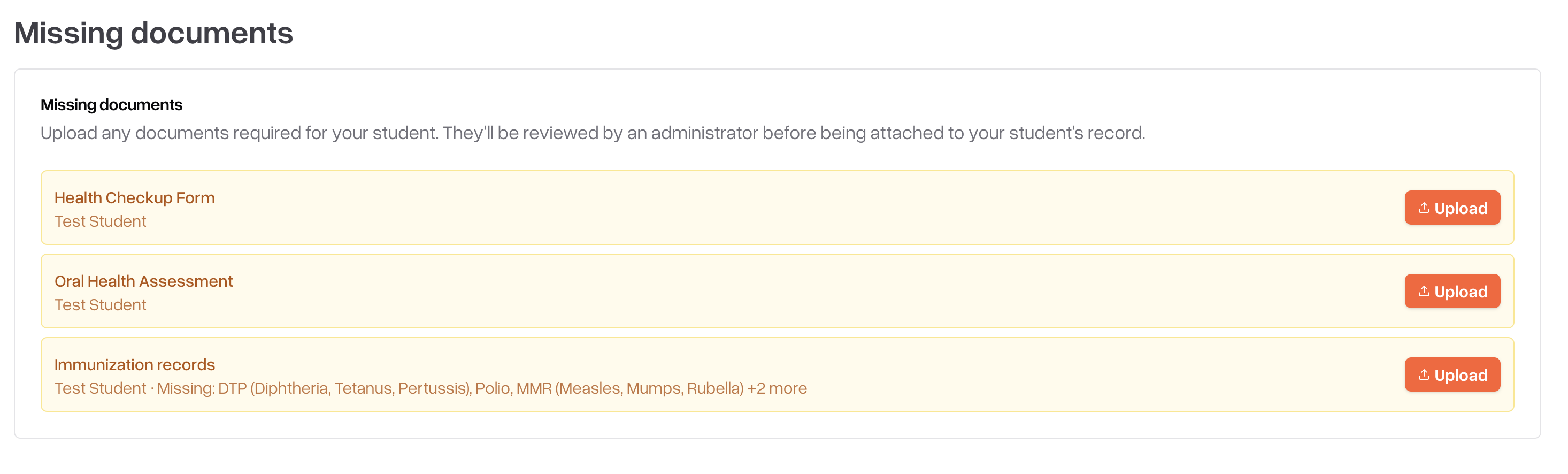
Master agreements and other documents that need your signature appear here. Select a document to review it and sign electronically.
Engagement and attendance
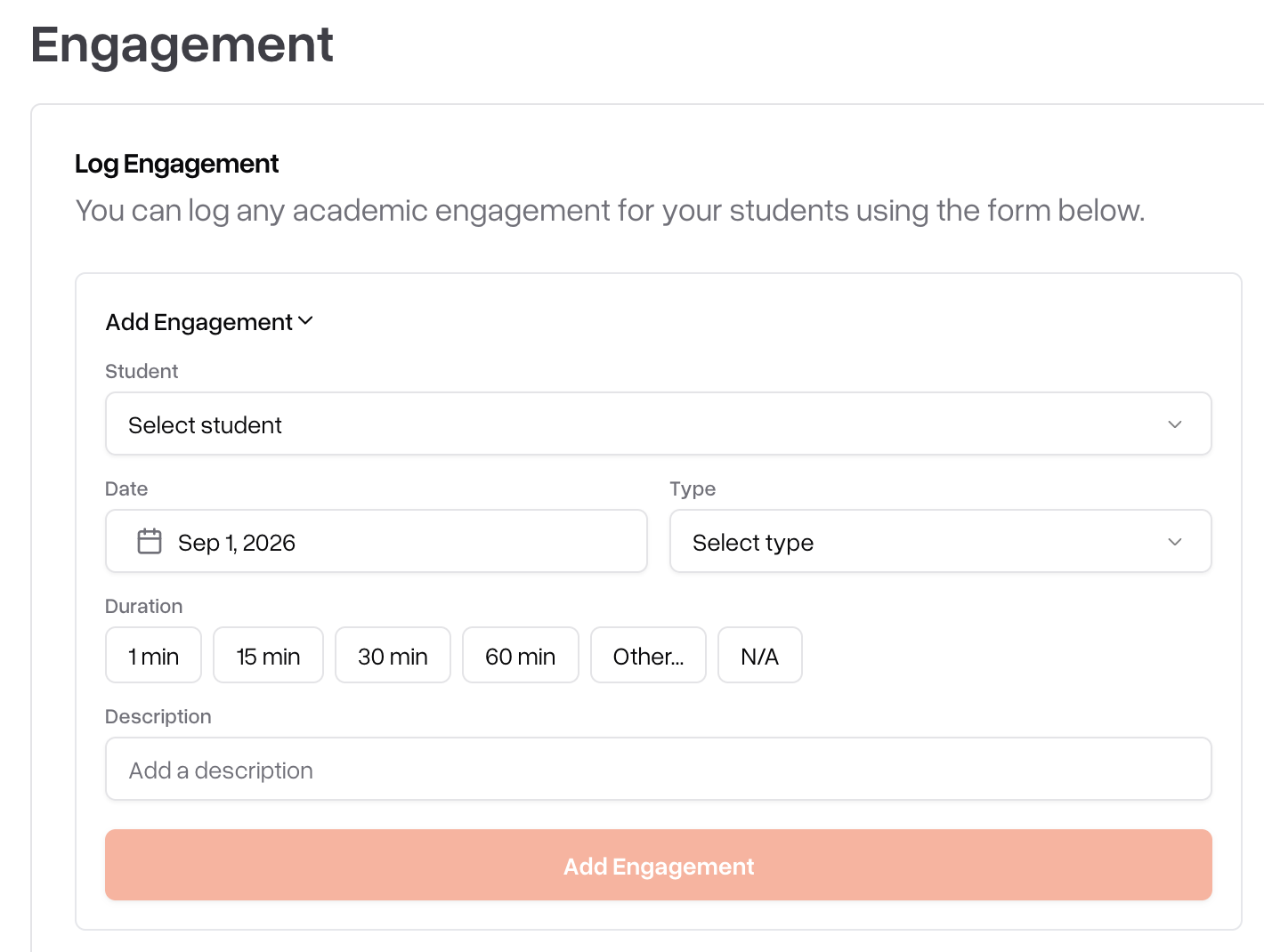
Depending on your school's requirements, you may see reminders to log your student's daily engagement or acknowledge attendance for a learning period.
Upcoming and outstanding items
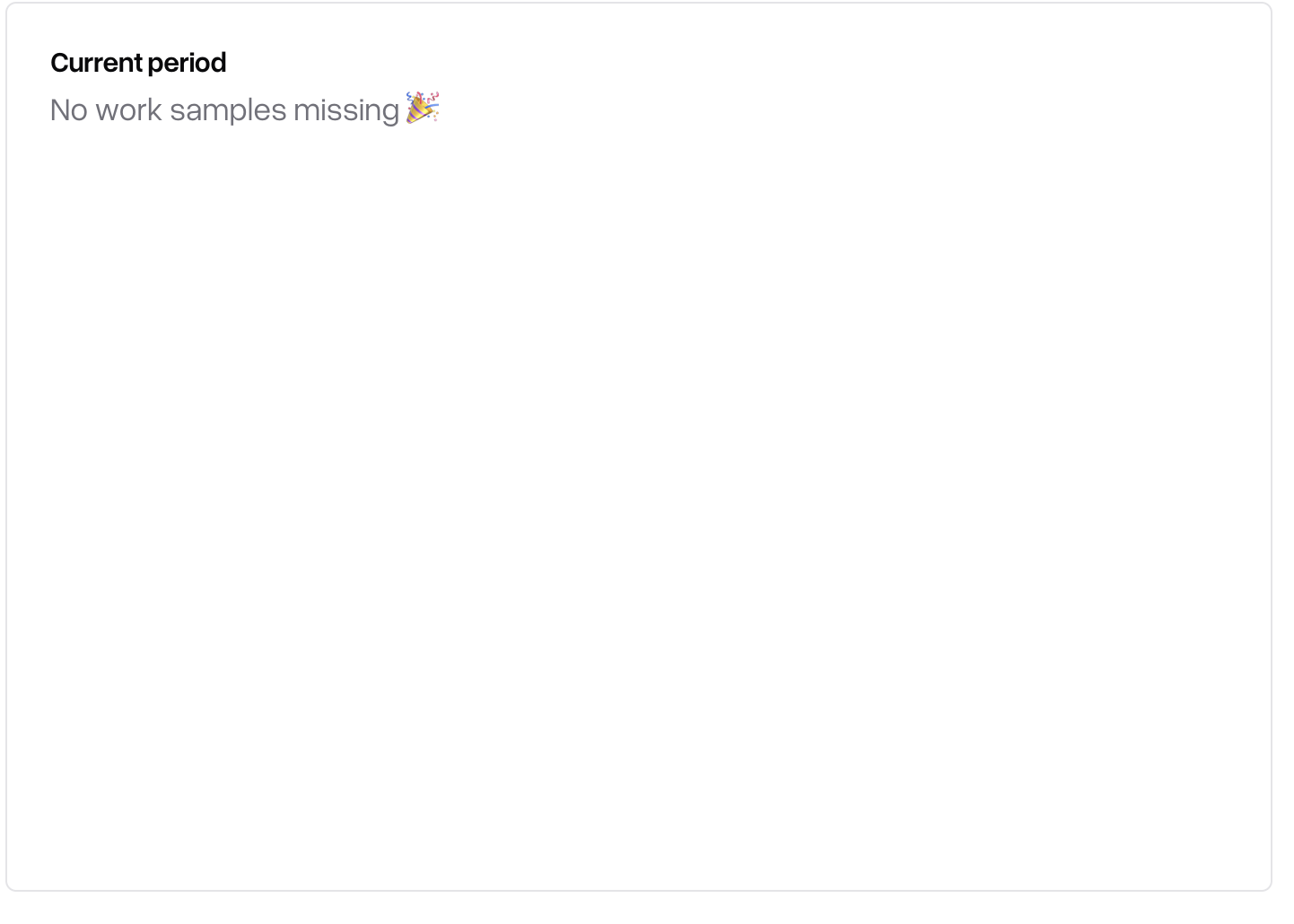
Work samples, assignments, or other items your student has coming up or has fallen behind on are called out so you can help keep them on track.
Taking action from the dashboard
Most items on your dashboard are clickable — selecting one takes you directly to the related record, whether that's a document to sign, a form to complete, or your student's full profile. You don't need to search for the record separately.
Using the dashboard on mobile
You can access the same dashboard from the Scout mobile app on iOS and Android, so you can review your student's progress, sign documents, and log engagement from your phone.
Sign in with the same account you use on the web
Switch between students the same way you would on the web, if you have more than one, this is done through a drop down at the top of the home dashboard
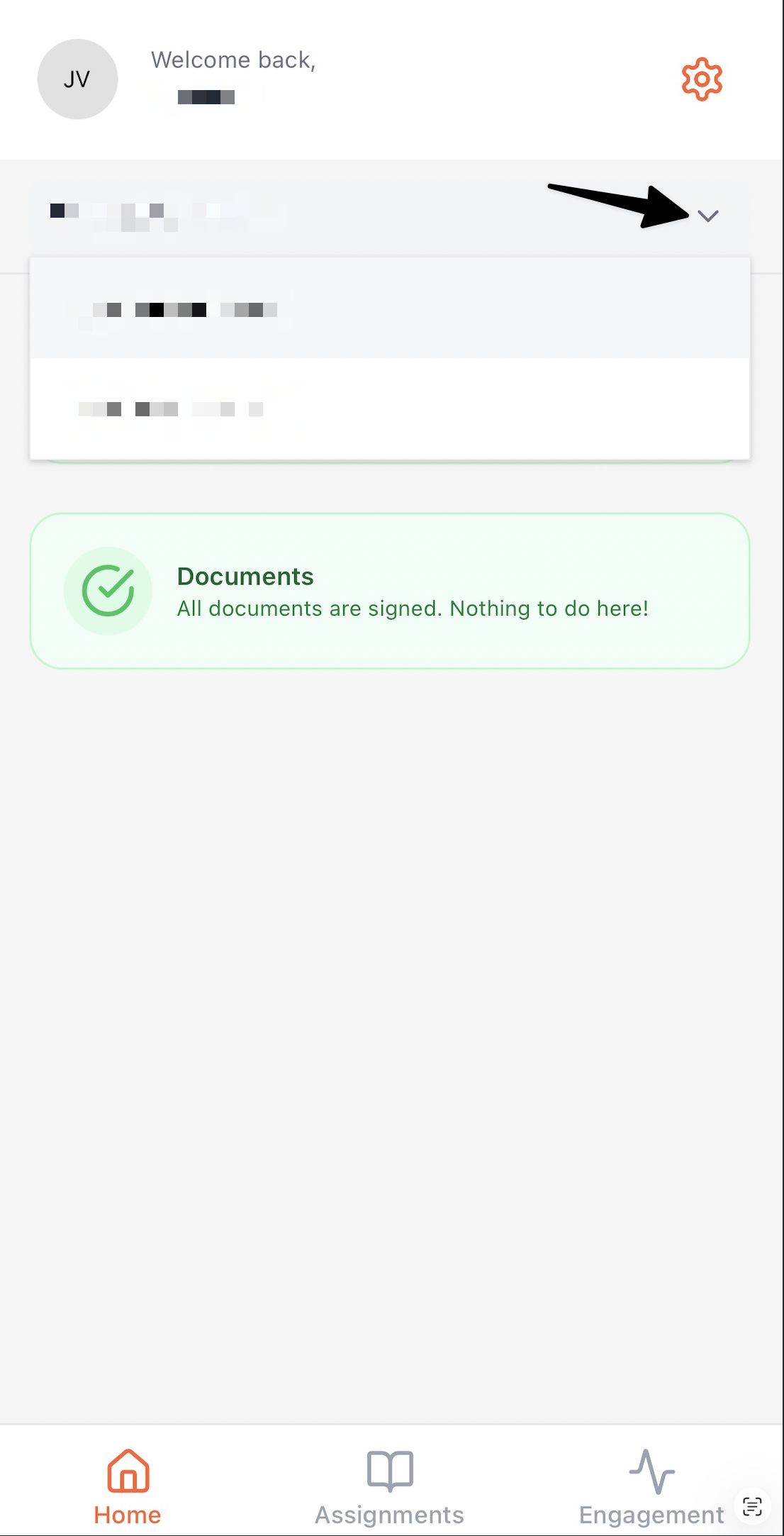
Tap any item to open it, sign it, or complete it, just as you would by clicking on the web
Tips
Check your dashboard regularly so signature requests and reminders don't pile up
If you have more than one student enrolled, make sure you're viewing the right one before taking action
Use the link on each item to jump straight to the task instead of navigating manually
Troubleshooting
Issue | Solution |
I don't see my student on the dashboard | Confirm your account is linked to your student. Contact your student's teacher or school office if it isn't |
A document I already signed still shows as pending | Refresh the page. If it still shows as pending, other signers may not have completed their signature yet |
The dashboard isn't loading | Refresh the browser and check your internet connection. Try again on a different browser if the issue continues |