Signing up for your Scout parent account
Last updated: May 13, 2026
Once your child's enrollment application has been approved, you can sign up for a Scout parent account to manage their information and track their progress.
Overview
When the school approves your child's enrollment, you'll receive an email with a link to your school's Scout site. From there you can sign up for your parent account using the same email address you used on the enrollment form.
Step 1: Open Scout and choose Parent
Click the Scout link in your approval email. You'll be asked to pick your account type — click Parent.
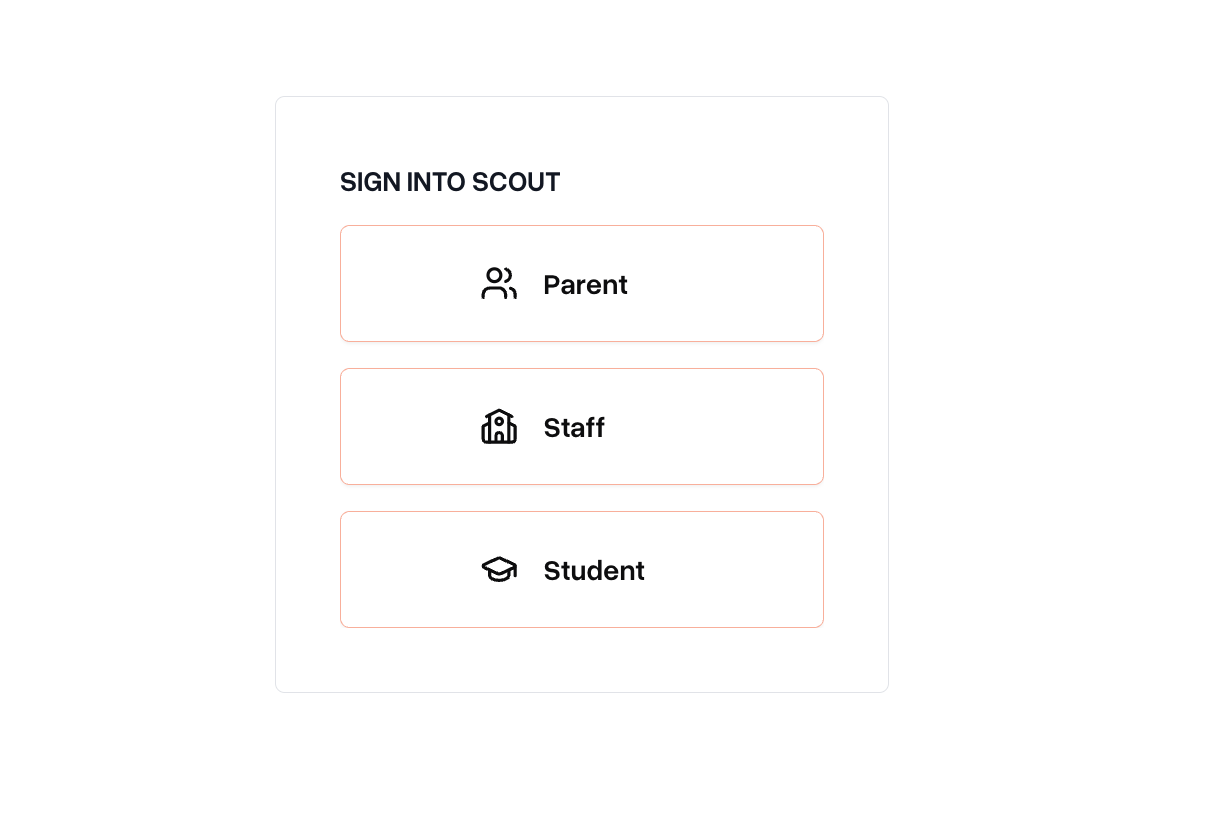
Step 2: Click Sign up
On the login page, click Sign up at the bottom.
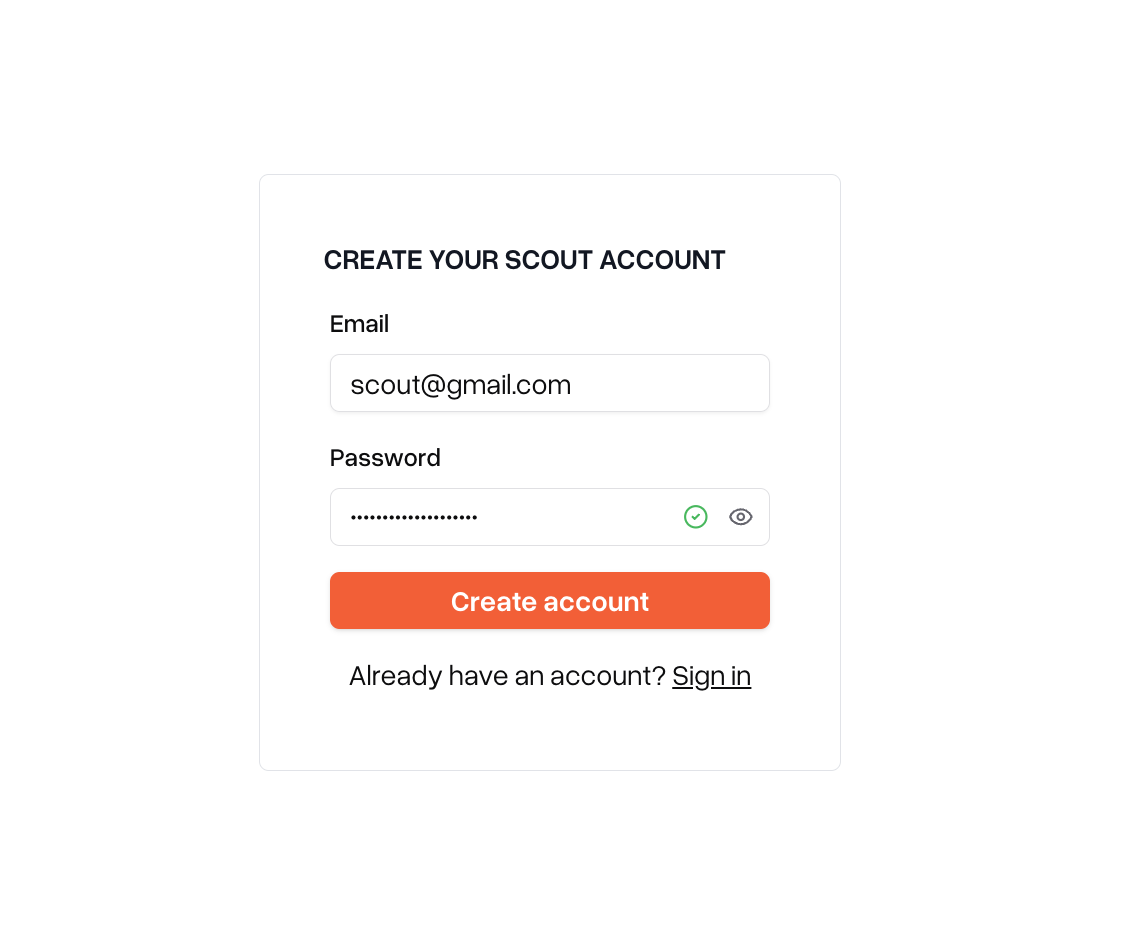
Step 3: Enter your email and create a password
Enter:
The email address you used on your child's enrollment form
A new password (this will be your password going forward)
Password requirements: at least 10 characters.
Click Create account.
Step 4: Check your email for a verification code
Scout will send a 6-digit code to your email address. Open the email and copy the code.
If you don't see the email within a minute or two, check your spam or junk folder.
Step 5: Enter the code
Back in Scout, enter the 6-digit code and click Submit.
You're in
That's it — your account is set up. You'll be logged in automatically and taken to your Scout home page.
Troubleshooting
Issue | What to do |
I didn't get the verification code email | Check your spam/junk folder. If it's not there, try submitting the form again. Make sure you're using the same email address you used on the enrollment form. |
"We could not find your account" error | Either the email doesn't match the one you used on the enrollment form, or you've already signed up. If you already have a password, log in instead. Otherwise, contact the school to verify the email on file. |
My password isn't accepted | Passwords must be at least 10 characters. Try a longer passphrase. |
The verification code doesn't work | Codes expire after a short time. Submit the form again to get a fresh code, and enter it right away. |
I have more than one student at the school | You only need one parent account — it will be linked to all of your students. |
Need help?
If you run into trouble that isn't covered above, contact your school's administrative team.