Signing Learning and Attendance Logs
Last updated: August 20, 2026
At the end of each learning period, some schools require parents to sign a learning log for their student. On your home page after login, check for the following items:
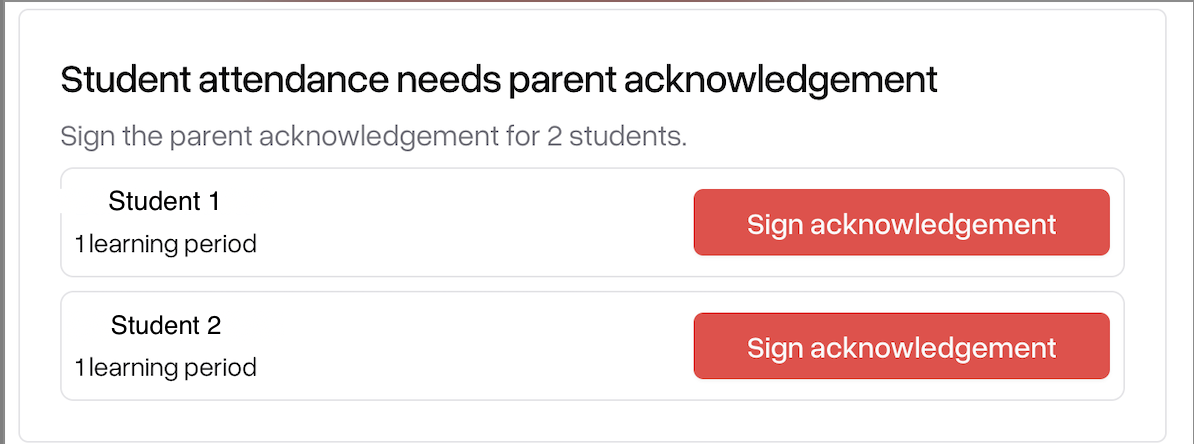
To claim attendance for your student, click the "Sign acknowledgement" button. You will see a form show up on the side of your screen that looks like the following:
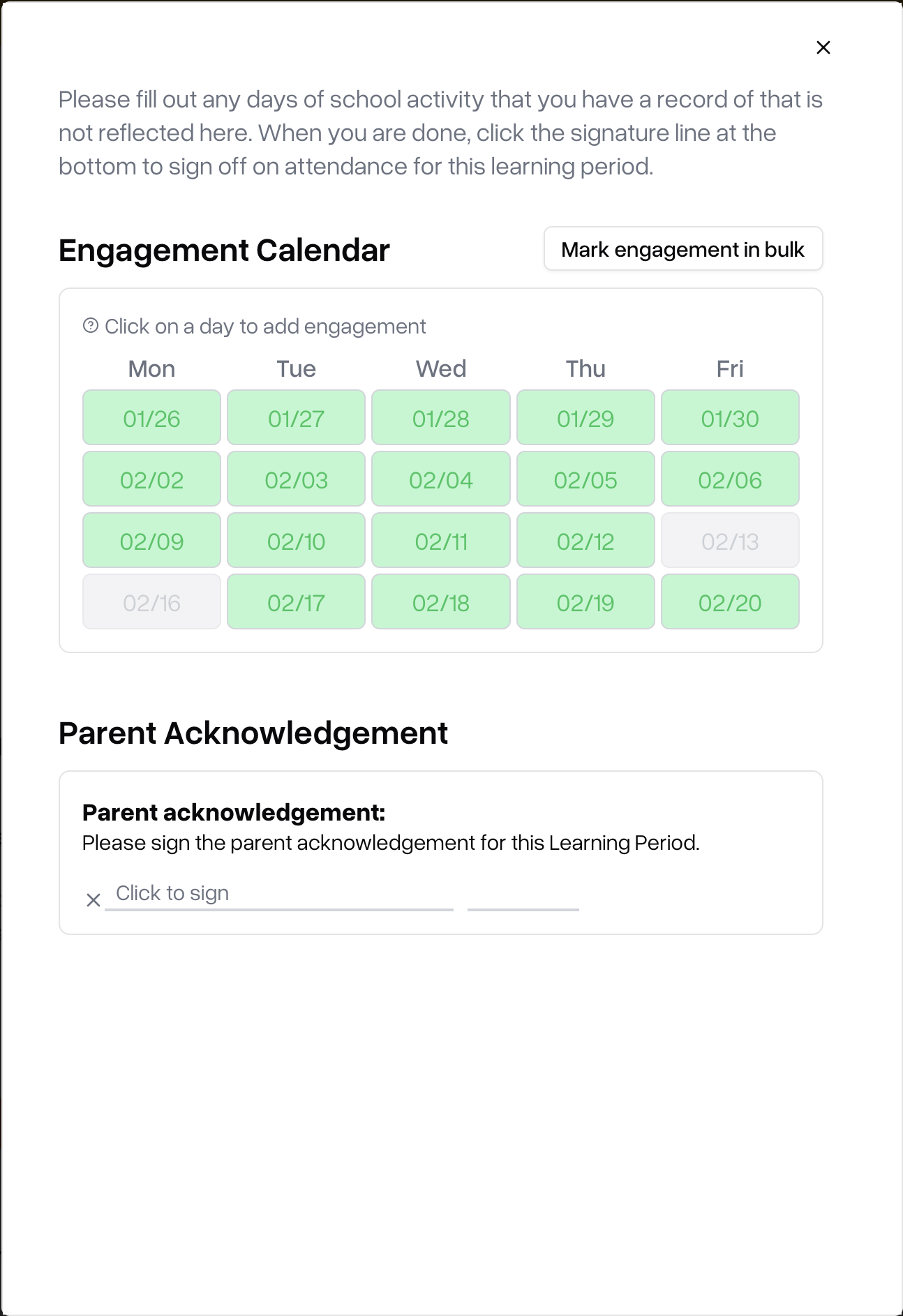
From this screen, you can add or edit existing engagement for your student using the engagement calendar. When everything corrects, just click "Click to sign" and fill out your signature to complete the learning log acknowledgement.