How to merge a new student enrollment with an existing student
Last updated: February 9, 2026
Steps
Open the Enrollments tab in Scout
Open a student's enrollment form
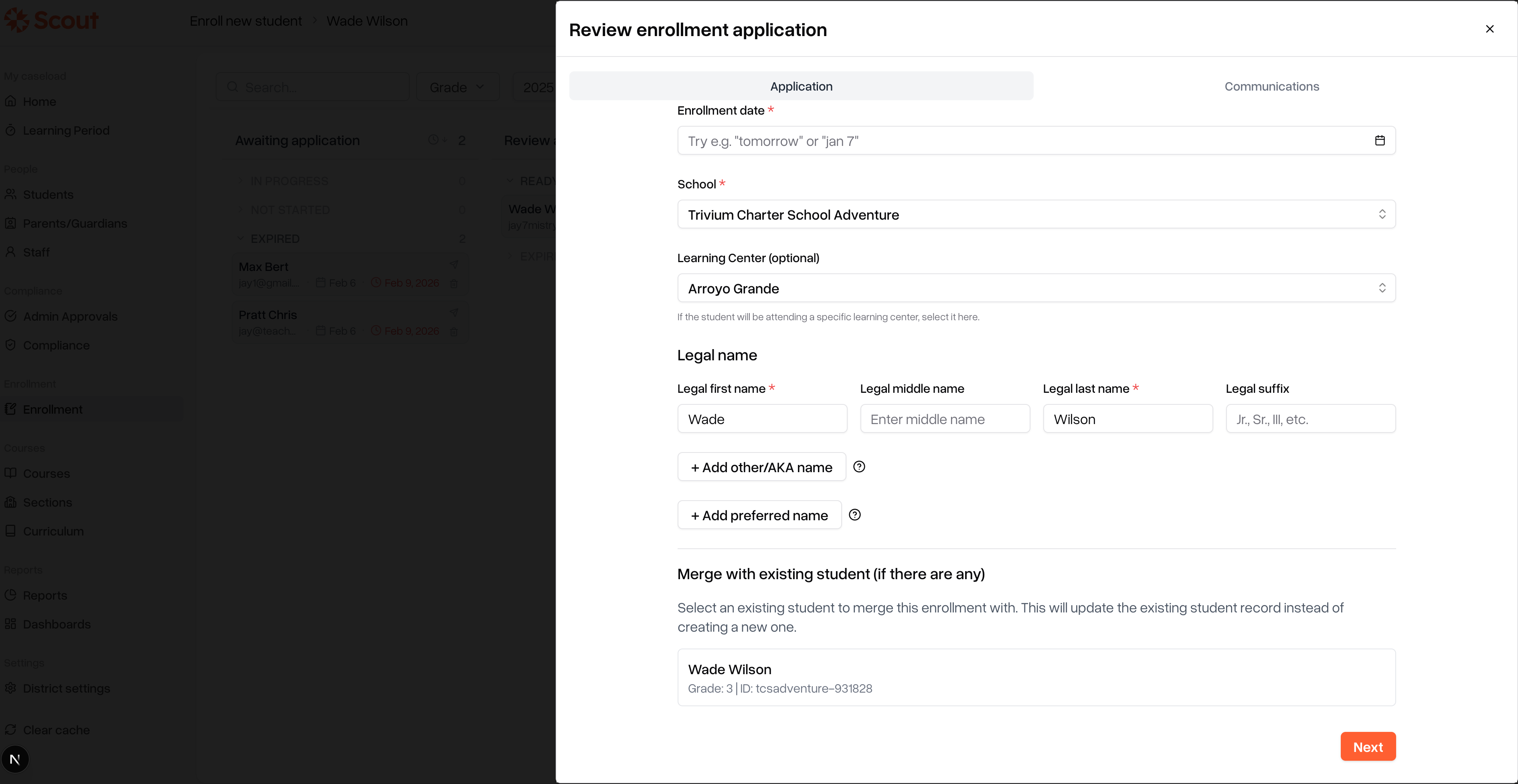
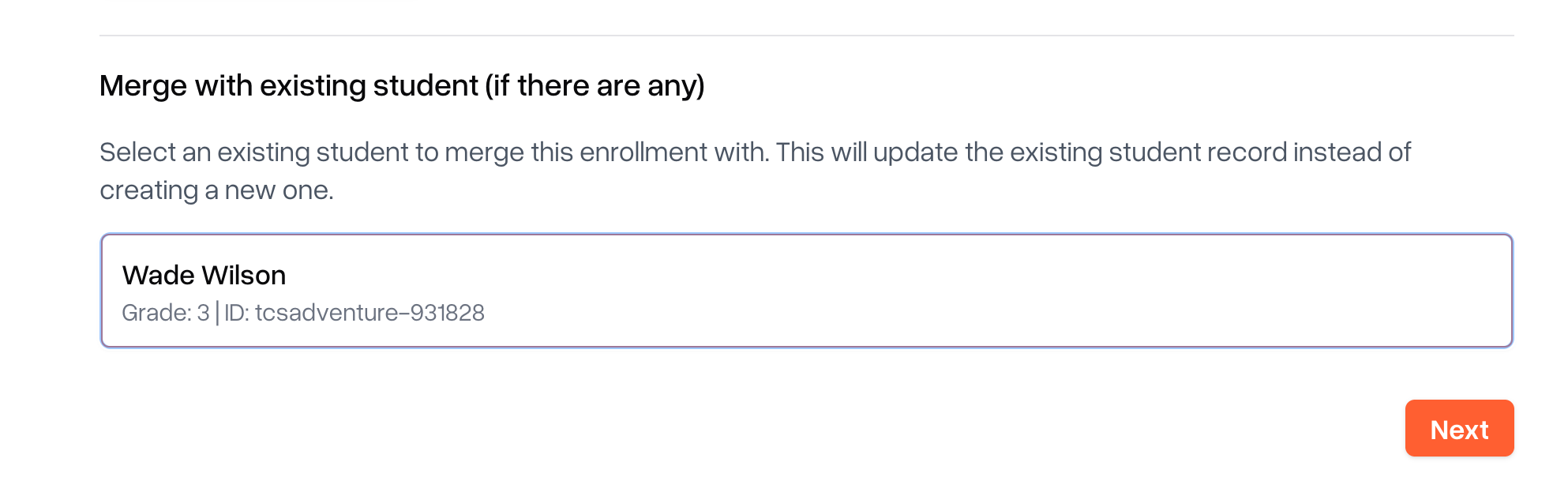
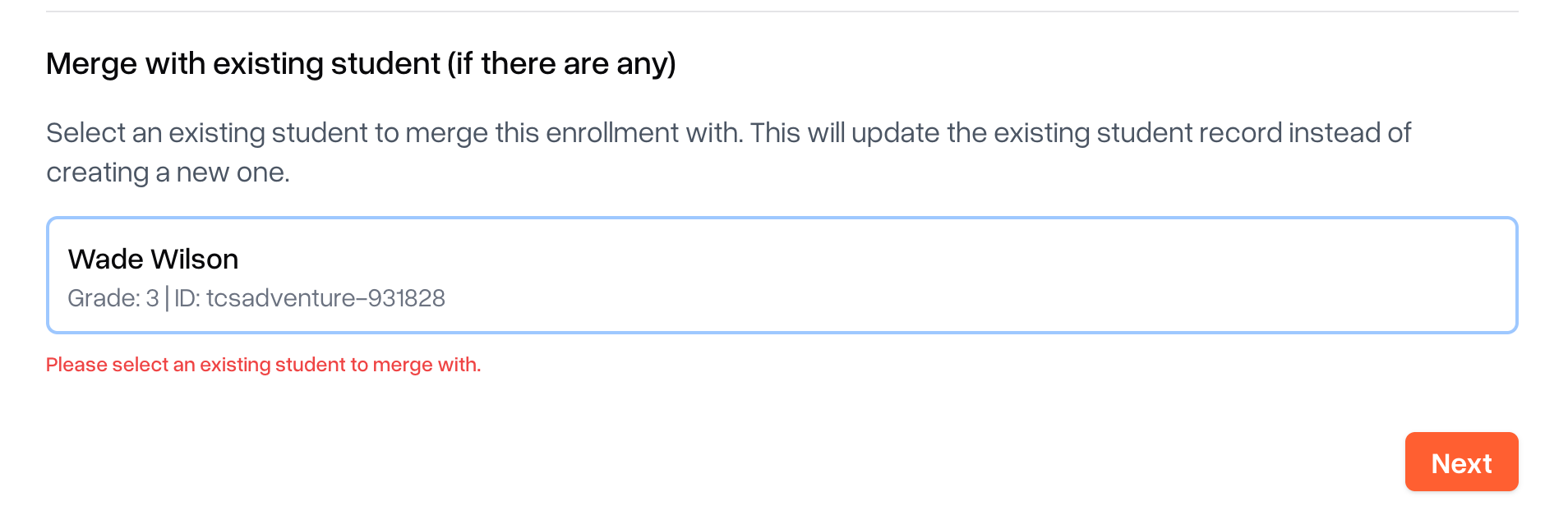
While reviewing, if you see a student below "Merge with existing student", you may need to select it and click Next. This will save your changes.
At the final step (after you've reviewed the whole form) you can click "Approve and create student".
Note: the form won't go past Next if the admin didn’t select a student to merge. You may also see multiple students with same names, but check the IDs attached to them as well.